
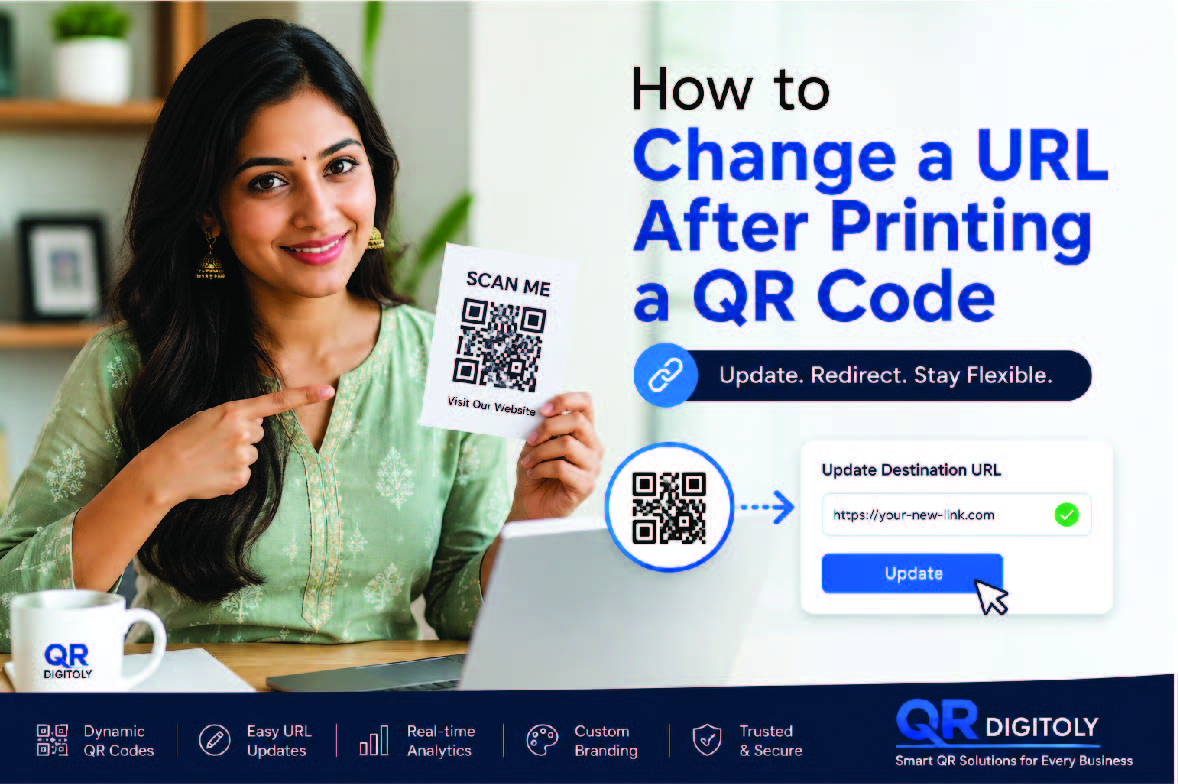
QR codes have become an essential part of modern marketing. Businesses, creators, educators, and organizations use them everywhere. You can find them on business cards, flyers, posters, product packaging, restaurant menus, event banners, and many other materials.
However, one common challenge exists. What happens if you need to change the destination URL after printing your QR code?
Many people worry that they must reprint everything. Fortunately, that is not always true.
With the right QR code platform, you can update the destination URL even after printing. This feature saves time, money, and effort. It also gives businesses more flexibility when running campaigns.
This guide explains how to change a URL after printing a QR code. It also shows why https://qr.digitoly.com is one of the best solutions available today.
Understanding How QR Codes Work
Before discussing URL changes, it helps to understand QR codes.
A QR code stores information in a machine-readable format. When someone scans it using a smartphone, the code directs them to specific content.
This content may include:
- Website URLs
- Landing pages
- Product pages
- Videos
- Contact details
- Social media profiles
- PDF files
- Event registrations
- App downloads
There are two main types of QR codes:
Static QR Codes
A static QR code contains a fixed destination.
Once created, the destination cannot change.
If you need a different URL later, you must create a new QR code and print it again.
Dynamic QR Codes
A dynamic QR code contains a short redirect URL.
The QR code itself stays the same.
However, you can change the destination URL anytime through the dashboard.
This means your printed QR code continues working while directing users to new content.
This flexibility makes dynamic QR codes the preferred choice for businesses.
Can You Change a URL After Printing a QR Code?
The answer depends on the QR code type.
If You Used a Static QR Code
No.
The URL is permanently embedded into the QR code.
You must create and print a new QR code.
If You Used a Dynamic QR Code
Yes.
You can change the destination URL anytime.
The printed QR code remains unchanged.
Users continue scanning the same code while reaching the updated destination.
This is why dynamic QR codes are essential for professional marketing campaigns.
Why Businesses Need to Change QR Code URLs
Marketing campaigns often evolve.
Products change. Promotions end. Landing pages get redesigned.
Without dynamic QR codes, every change requires new printing.
That process becomes expensive.
Here are common situations where URL changes become necessary.
Updating Product Pages
Products often receive updates.
You may launch a new version or add features.
Instead of printing new packaging, simply update the QR code destination.
Running Seasonal Campaigns
Many businesses run campaigns throughout the year.
For example:
- Summer sales
- Holiday promotions
- Black Friday offers
- New Year discounts
A dynamic QR code lets you change destinations instantly.
Correcting Mistakes
Sometimes URLs contain errors.
A page may move or become unavailable.
Instead of reprinting materials, update the QR code destination.
A/B Testing Marketing Pages
Businesses often test multiple landing pages.
Dynamic QR codes make testing simple.
You can switch destinations and analyze results.
Redirecting Event Content
Event information frequently changes.
Schedules, speakers, and registration pages may require updates.
Dynamic QR codes keep everything current.
How to Change a URL After Printing a QR Code
The exact process depends on your QR code platform.
With QR Digitoly, the process is straightforward.
Step 1: Log Into Your Dashboard
Visit:
Access your account dashboard.
You will find all your QR codes organized in one place.
Step 2: Select the QR Code
Locate the QR code you want to update.
Open its settings.
Step 3: Edit the Destination URL
Replace the existing URL with the new destination.
Double-check the link before saving.
Step 4: Save Changes
Save the updated settings.
The QR code remains physically unchanged.
However, future scans now open the new destination.
Step 5: Test the QR Code
Always test the code after updating.
Scan it with multiple devices.
Confirm that users reach the correct page.
The entire process typically takes only a few minutes.
Why Dynamic QR Codes Are Better Than Static QR Codes
Many people choose static QR codes because they are simple.
However, dynamic QR codes offer significant advantages.
Greater Flexibility
You can update content anytime.
This flexibility supports changing business needs.
Reduced Printing Costs
Printed materials remain useful longer.
You avoid expensive reprints.
Improved Campaign Management
Marketers can optimize campaigns without changing QR codes.
Better User Experience
Users always access the latest information.
Enhanced Analytics
Most dynamic QR platforms provide tracking capabilities.
This data helps improve performance.
Why QR Digitoly is the Best Choice for Dynamic QR Codes
Many QR code generators exist today.
However, not all platforms offer the same capabilities.
QR Digitoly stands out because it combines flexibility, simplicity, analytics, customization, and scalability in one platform.
Businesses need more than basic QR code creation.
They need a complete QR code management solution.
That is exactly what QR Digitoly delivers.
Dynamic QR Codes That Support URL Changes
The biggest advantage of QR Digitoly is dynamic QR technology.
You can:
- Change URLs anytime
- Update campaigns instantly
- Redirect users easily
- Avoid reprinting materials
- Manage multiple campaigns efficiently
This feature alone can save businesses substantial costs.
Advanced QR Code Analytics
Data drives better decisions.
QR Digitoly provides detailed analytics that help you understand user behavior.
Track important metrics such as:
- Total scans
- Unique scans
- Scan locations
- Device types
- Operating systems
- Scan times
- Campaign performance
These insights help improve marketing effectiveness.
Instead of guessing, you can make informed decisions.
User-Friendly Dashboard
Many QR platforms overwhelm users with complexity.
QR Digitoly focuses on simplicity.
The dashboard is clean and intuitive.
Users can:
- Create QR codes quickly
- Edit destinations easily
- View analytics instantly
- Organize campaigns efficiently
Even beginners can navigate the platform confidently.
Professional QR Code Customization
Brand consistency matters.
Generic black-and-white QR codes often look uninspiring.
QR Digitoly allows extensive customization.
You can personalize:
- Colors
- Shapes
- Frames
- Patterns
- Logos
- Branding elements
Customized QR codes often attract more attention.
As a result, scan rates can improve.
Create QR Codes for Multiple Purposes
Modern businesses need more than URL QR codes.
QR Digitoly supports numerous QR code types.
These include:
Website QR Codes
Drive visitors directly to web pages.
Social Media QR Codes
Connect audiences with social platforms.
Contact QR Codes
Share contact information instantly.
Event QR Codes
Promote registrations and event details.
PDF QR Codes
Provide documents without printing them.
Business QR Codes
Improve customer engagement.
Menu QR Codes
Perfect for restaurants and cafes.
App Download QR Codes
Increase app installations. One QR code automatically detects the user device and sends Android users on Play Store and iOS users on App Store.
This versatility makes QR Digitoly suitable for nearly every industry.
Improve Marketing ROI with QR Digitoly
Marketing budgets should generate measurable results.
QR Digitoly helps maximize return on investment.
You can:
- Track performance
- Update campaigns instantly
- Reduce printing costs
- Increase engagement
- Optimize landing pages
Every feature supports better marketing outcomes.
Real-World Examples of Changing QR Code URLs
Let us examine practical examples.
Retail Businesses
A clothing store prints QR codes on product tags.
The original page promotes a seasonal collection.
After the season ends, the business updates the destination.
Now customers see the latest collection.
No reprinting required.
Real Estate Agencies
Property listings change regularly.
A dynamic QR code can redirect buyers to new listings.
Agents avoid replacing printed signs.
Restaurants
Menus often change.
Restaurants can update menu pages behind existing QR codes.
Customers always access current information.
Educational Institutions
Schools frequently update course information.
Dynamic QR codes ensure students receive the latest details.
Event Organizers
Event schedules evolve.
QR codes can redirect attendees to updated information instantly.
Common Mistakes to Avoid When Changing QR Code URLs
Even with dynamic QR codes, mistakes can occur.
Avoid these common issues.
Forgetting to Test
Always test updated URLs.
Broken links create poor user experiences.
Using Temporary Pages
Choose stable destinations whenever possible.
Frequent changes can confuse users.
Ignoring Analytics
Review scan data regularly.
Analytics reveal opportunities for improvement.
Not Using Custom Branding
Branded QR codes often perform better.
Customization helps build trust.
Choosing Static Codes for Long-Term Campaigns
Long-term campaigns require flexibility.
Dynamic QR codes are usually the better choice.
How QR Digitoly Helps Future-Proof Your Marketing
Marketing changes constantly.
Technology evolves.
Customer expectations shift.
Businesses need tools that adapt quickly.
QR Digitoly helps future-proof campaigns by providing:
- Dynamic QR codes
- Easy URL updates
- Advanced analytics
- Flexible customization
- Scalable management
- Cross-industry support
These capabilities allow businesses to stay agile.
Security and Reliability Matter
Trust is critical.
Businesses need confidence that QR codes will work consistently.
QR Digitoly focuses on reliability and performance.
Users can confidently manage campaigns without worrying about broken links or unnecessary disruptions.
Reliable QR code management strengthens customer trust.
Who Should Use QR Digitoly?
QR Digitoly serves many different users.
These include:
- Small businesses
- Large enterprises
- Retail stores
- Restaurants
- Educational institutions
- Event organizers
- Marketing agencies
- Consultants
- Freelancers
- Nonprofit organizations
Anyone using QR codes can benefit from its powerful features.
How Dynamic QR Codes Support Better Customer Experiences
Customers expect convenience.
QR codes simplify access to information.
Dynamic QR codes improve this experience further.
Users always receive:
- Updated content
- Current promotions
- Accurate information
- Relevant landing pages
As a result, customer satisfaction increases.
Better experiences often lead to higher conversions.
The Cost Savings of Editable QR Codes
Printing costs can become significant.
This is especially true for:
- Product packaging
- Brochures
- Posters
- Signage
- Catalogs
- Business cards
A dynamic QR code eliminates unnecessary reprints.
One update can save hundreds or even thousands of dollars.
For growing businesses, these savings matter.
Why Marketers Prefer QR Digitoly
Marketing teams need flexibility.
Campaigns rarely stay unchanged.
QR Digitoly supports modern marketing workflows through:
- Fast updates
- Real-time analytics
- Branding options
- Campaign management tools
- Scalable solutions
These features help marketers work more efficiently.
The Future of QR Codes
QR code usage continues growing worldwide.
Consumers now expect quick digital access.
Businesses increasingly rely on QR codes for:
- Marketing
- Payments
- Customer engagement
- Product information
- Digital experiences
As adoption grows, dynamic QR codes become even more valuable.
Platforms like QR Digitoly help businesses stay ahead.
Final Thoughts
Changing a URL after printing a QR code is possible when you use dynamic QR codes.
This capability saves time, money, and resources. It also provides the flexibility that modern businesses need.
Static QR codes lock you into a single destination. Dynamic QR codes, however, allow continuous updates without changing the printed code.
For businesses that value flexibility, analytics, branding, and performance, QR Digitoly offers a complete solution.
With QR Digitoly, you can:
- Change URLs anytime
- Track scan performance
- Customize QR code designs
- Manage campaigns efficiently
- Improve customer engagement
- Reduce printing costs
- Scale marketing efforts easily
Whether you run a small business or a large enterprise, QR Digitoly provides the tools needed for successful QR code campaigns.
If you want a powerful, reliable, and future-ready QR code platform, QR Digitoly stands out as an excellent choice. Its dynamic QR capabilities, advanced analytics, customization options, and user-friendly dashboard make it one of the most comprehensive QR code solutions available today.

